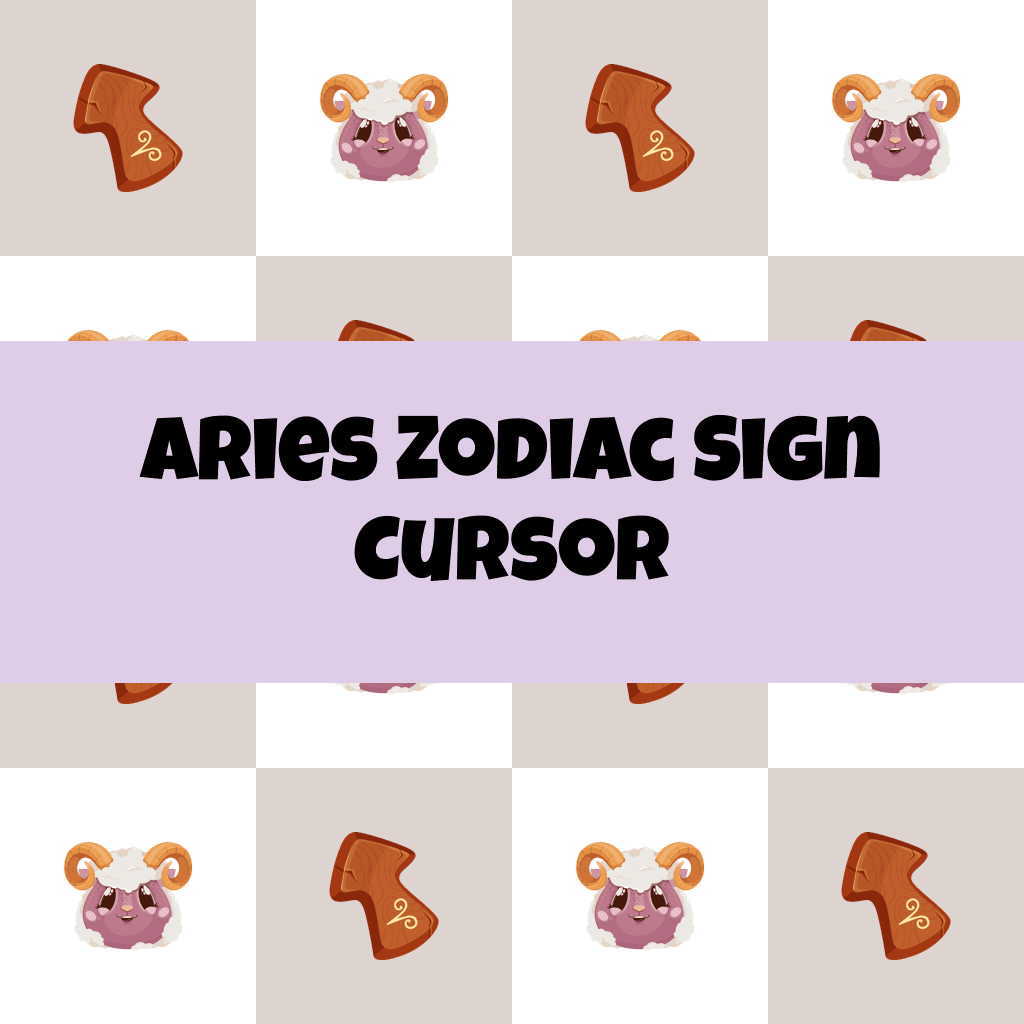
Aries Zodiac Sign Cursor

Aries Zodiac Sign cursor cursor pack
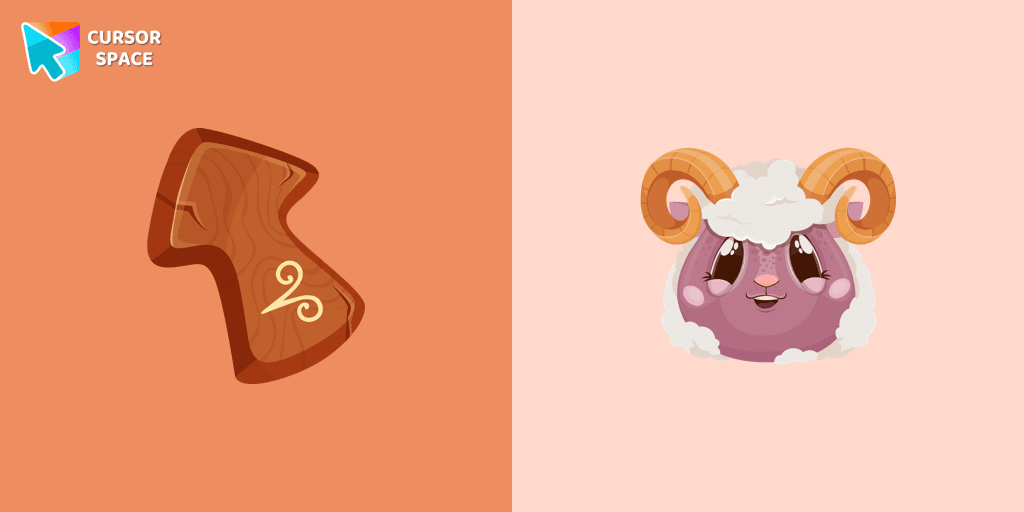
Preview Aries Zodiac Sign cursor custom cursor pack
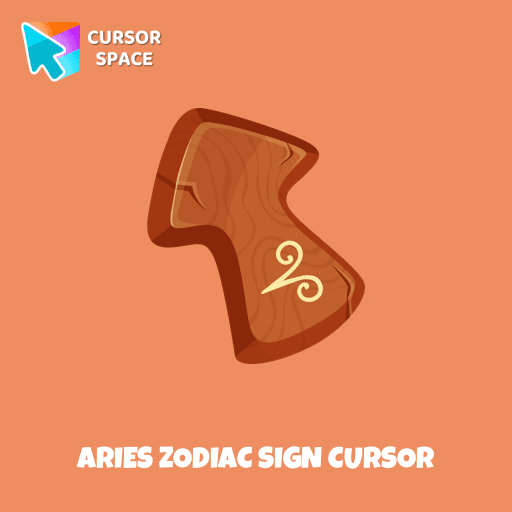
Aries Zodiac Sign cursor arrow cursor
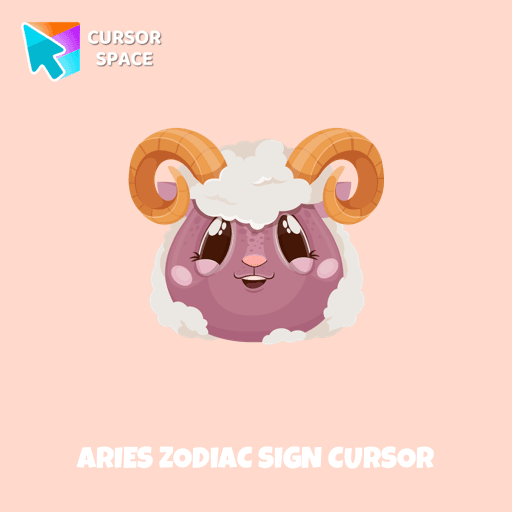
Aries Zodiac Sign cursor pointer cursor

Description

Energetic and optimistic owners of the Aries horoscope sign will love our cute Aries custom cursor and hover for the mouse. Funny designed twelve horoscope cursors in our gorgeous Zodiac Signs custom cursors collection for Chrome.

What's included in the package

  • Default Cursor
  • Pointer (Hand)

How to install a custom cursor pack Aries Zodiac Sign Cursor
  1. Install the Cursor Space extension for Chrome or Cursor Space for Edge in your browser.

  2. On this page, click "Add this cursor pack to the extension".

  3. Open the extension and go to the Packs tab.

  4. Find the custom cursor pack "Aries Zodiac Sign cursor" and click it.

  5. Enjoy!

Ready to install?

Get this cursor pack and thousands of others by installing our extension. It's fast and free!

About this cursor pack

Aries Zodiac Sign Cursor is a themed cursor pack you can add to your browser to personalize your pointer across common cursor states (default and pointer). Use it for everyday browsing, streaming, studying, or gaming-anywhere you want your cursor to match your vibe.

Instant preview

See how the cursors look before installing.

Easy install

Add the pack to the extension in a few clicks.

Works in your browser

Designed for Chrome and Edge via the extension.

FAQ

Quick answers to common questions about cursor packs, collections, and installation.

Do I need an extension?

Yes. To apply cursor packs in Chrome or Edge, install the Cursor Space extension and add this pack to it.

Which browsers are supported?

Cursor packs are designed for Chromium browsers like Chrome and Microsoft Edge.

How do I switch back to the default cursor?

Open the extension, choose another pack or disable the current one to return to your default cursor.

Popular cursors today

Custom cursor and packs - neon, anime, pixel art. Quickly add to Chrome and Microsoft Edge for free

  • TOP 1
    Discord cursor

    Discord cursor

    (19)
    Free

    Enhance your browsing with a custom cursor for Google Chrome inspired by the Discord logo. Perfect for fans looking to refresh their cursor experience.

  • TOP 2
    Yoshi cursor

    Yoshi cursor

    (166)
    Free

    Yoshi, the lovable dinosaur-like character, is both an ally of Mario and Luigi and a sidekick to Mario in the main series

  • TOP 3
    Easter Egg Bunny cursor

    Easter Egg Bunny cursor

    (9)
    Free

    A cute Egg Bunny cursor will change the usual cursor for the mouse to a cute one.

  • Ruby Stone Texture cursor

    Ruby Stone Texture cursor

    (170)
    Free

    Enhance your browsing with the Ruby Stone Texture custom cursor. This stylish custom cursor for Google Chrome adds a touch of luxury and elegance to your screen.

  • Little Pointer cursor prank

    Little Pointer cursor prank

    (1.4k)
    Free

    Enjoy a fun twist on browsing with the Little Pointer custom cursor for Google Chrome. This playful custom cursor shrinks your pointer, adding a touch of surprise and humor.

  • Instagram cursor

    Instagram cursor

    (216)
    Free

    Enhance your browsing with the Instagram custom cursor for Google Chrome. Sleek and stylish, it’s perfect for Instagram fans looking to personalize their cursor.

  • Flattened cursor

    Flattened cursor

    (247)
    Free

    The Flattened Cursor Prank is a fun and mischievous custom cursor that creates a flattened effect to confuse friends. Try this custom cursor for Google Chrome for harmless fun.

  • Xiao cursor

    Xiao cursor

    (83)
    Free

    Add Xiao cursor in the collection of custom cursors with Genshin Impact for the browser.

  • The Mole cursor

    The Mole cursor

    (71)
    Free

    The Mole custom cursor for Google Chrome adds a fun and quirky touch to your browsing. Inspired by a small mole, it brings a playful alternative to the default cursor.

  • Pointer neon cursor

    Pointer neon cursor

    (2.0k)
    Free

    Pointer Neon Cursor is a customizable cursor option for those who want to add some color to their computer interface.

  • Oreo Spark Violet Cursors

    Oreo Spark Violet Cursors

    (195)
    Free

    Explore our custom cursor collections, including Oreo Spark Violet. Personalize your Chrome with dazzling designs and vibrant colors.

  • On the other side cursor

    On the other side cursor

    (17)
    Free

    Baffle your friends with the On the Other Side custom cursor. This custom cursor for Google Chrome reverses mouse controls, turning navigation into a challenging task.

Collection hits

Installation leaders from "Zodiac Signs": free packs, neon/anime/pixel art, quick add to Chrome and Edge.

  • TOP 1
    Aquarius Zodiac Sign cursor

    Aquarius Zodiac Sign cursor

    (13)
    Free

    Independent and original owners of the Aquarius horoscope sign will love our cute Aquarius custom cursor and hover for the mouse. Funny designed twelve horoscope cursors in our gorgeous Zodiac Signs custom cursors collection for Chrome.

  • TOP 2
    Taurus Zodiac Sign cursor

    Taurus Zodiac Sign cursor

    (10)
    Free

    Responsive and reliable owners of the Taurus horoscope sign will love our cute Taurus custom cursor and hover for the mouse.

  • TOP 3
    Gemini Zodiac Sign cursor

    Gemini Zodiac Sign cursor

    (9)
    Free

    Gentle and optimistic owners of the Gemini horoscope sign will love our cute Gemini custom cursor and hover for the mouse.

Install Cursor Space - A Collection of Custom Cursors for Chrome & Edge

Add packs instantly and unlock access to thousands of cursors: neon, anime, pixel-art, and more. Fast, safe, and free.

  • Free cursor packs
  • HD/HiDPI & animated icons
  • Quick browser installation

Cursor Space is an extension for changing your mouse cursor in Chrome and Edge browsers: themed collections, HiDPI icons, neon, animated, and pixel cursors, with quick installation.

Install Extension

To use packs with one click, you need our free browser extension. Install it and come back!